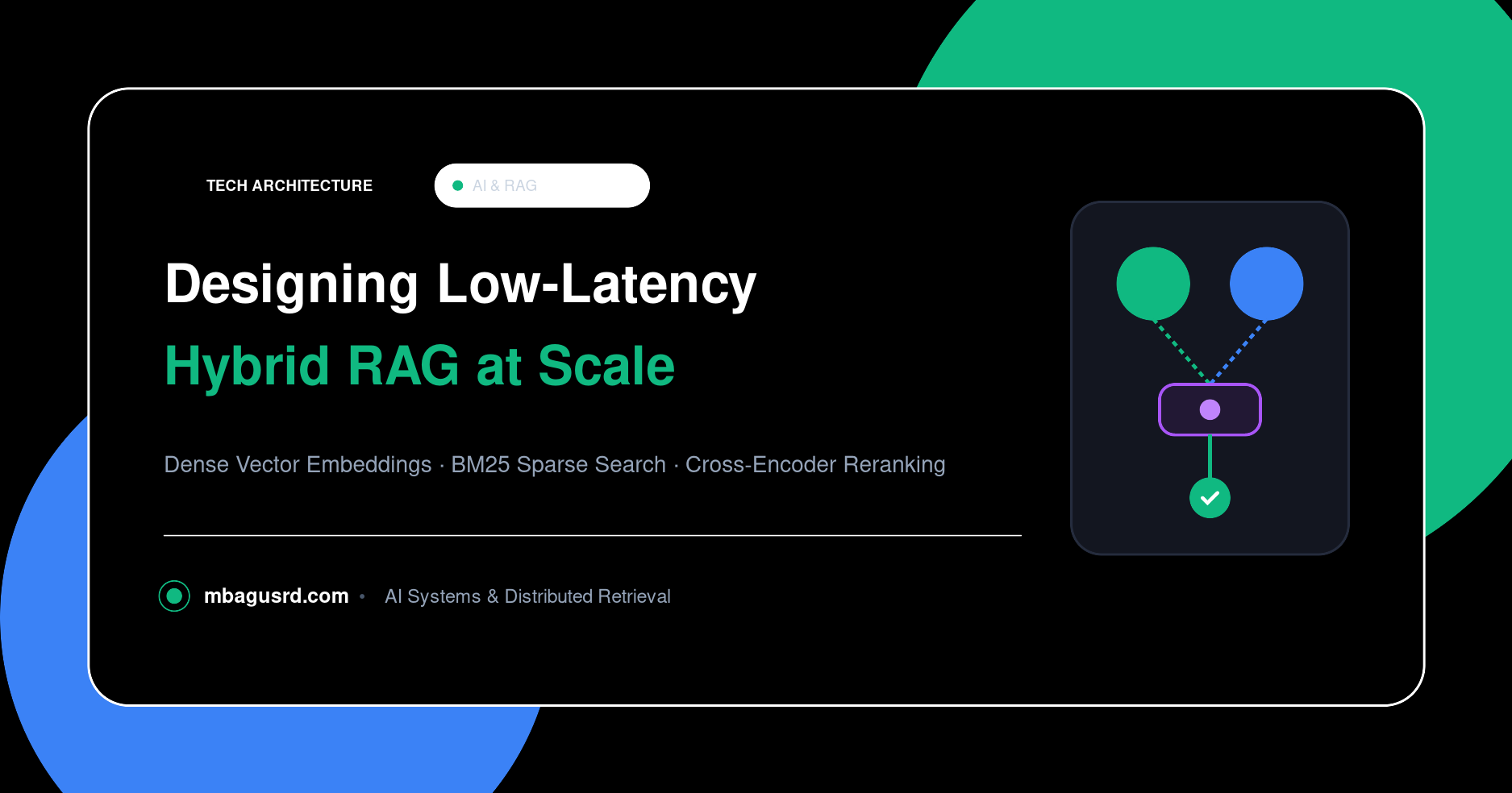
If you have built web applications with search or FAQ systems, you have probably run into the limits of standard keyword search. Users rarely type the exact words found in your database. At the same time, passing entire databases into an AI model prompt quickly becomes too slow and expensive.
This is where Retrieval-Augmented Generation (RAG) helps. RAG connects a large language model (LLM) to your own application data—whether that is a product catalog, documentation, or user knowledge base—without having to train or fine-tune custom AI models.
What is RAG in Simple Terms?
Think of standard LLMs like an open-book exam student who forgot their course notes. RAG simply hands the student the exact three paragraphs they need from your documentation right before they answer the user question.
A typical beginner-friendly RAG workflow consists of three steps:
- Indexing: Break your articles or documents into short chunks (200–500 words) and generate numerical vectors (embeddings) for each chunk.
- Retrieval: When a user asks a question, convert their question into a vector and find the top 3–5 most relevant chunks from your database.
- Generation: Pass those chunks to your AI model as context and ask it to answer strictly based on the provided material.
Building Your First RAG Flow in Python
You do not need specialized cluster infrastructure to begin. A simple Python script using an embedding model and OpenAI or Anthropic API is all it takes:
import openai

# Step 1: Embed documents
def get_embedding(text):
    response = openai.embeddings.create(
        model="text-embedding-3-small",
        input=text
    )
    return response.data[0].embedding

# Step 2: Query and generate answer with context
def answer_user_question(question, context_documents):
    context_text = "\n\n".join(context_documents)
    prompt = f"Answer the question using only the context below:\n\n{context_text}\n\nQuestion: {question}"

    response = openai.chat.completions.create(
        model="gpt-4o-mini",
        messages=[{"role": "user", "content": prompt}],
        temperature=0.2
    )
    return response.choices[0].message.content
Common Beginner Pitfalls to Avoid
- Chunks that are too large: If you pass 2,000-word chunks, the AI receives irrelevant filler that wastes tokens and degrades answers. Aim for 300 to 500 words.
- Ignoring exact keywords: Vector search sometimes misses exact product codes or phone numbers. Combining basic keyword search with vector search ensures accurate results.
- No fallback response: Always instruct the model to say "I do not have enough information to answer that" if the retrieved context does not contain the answer.
Next Steps for Developers
Start small by testing RAG on your existing blog posts or product documentation using lightweight tools like SQLite with vector extensions or pgvector in PostgreSQL. Once your basic retrieval works reliably, you can explore reranking and multi-step agent tools.